Paste the link
In the YouTube or Twitch app: Share → Copy link → Paste in ClutchClip. The app tells you if the stream is live or ended.
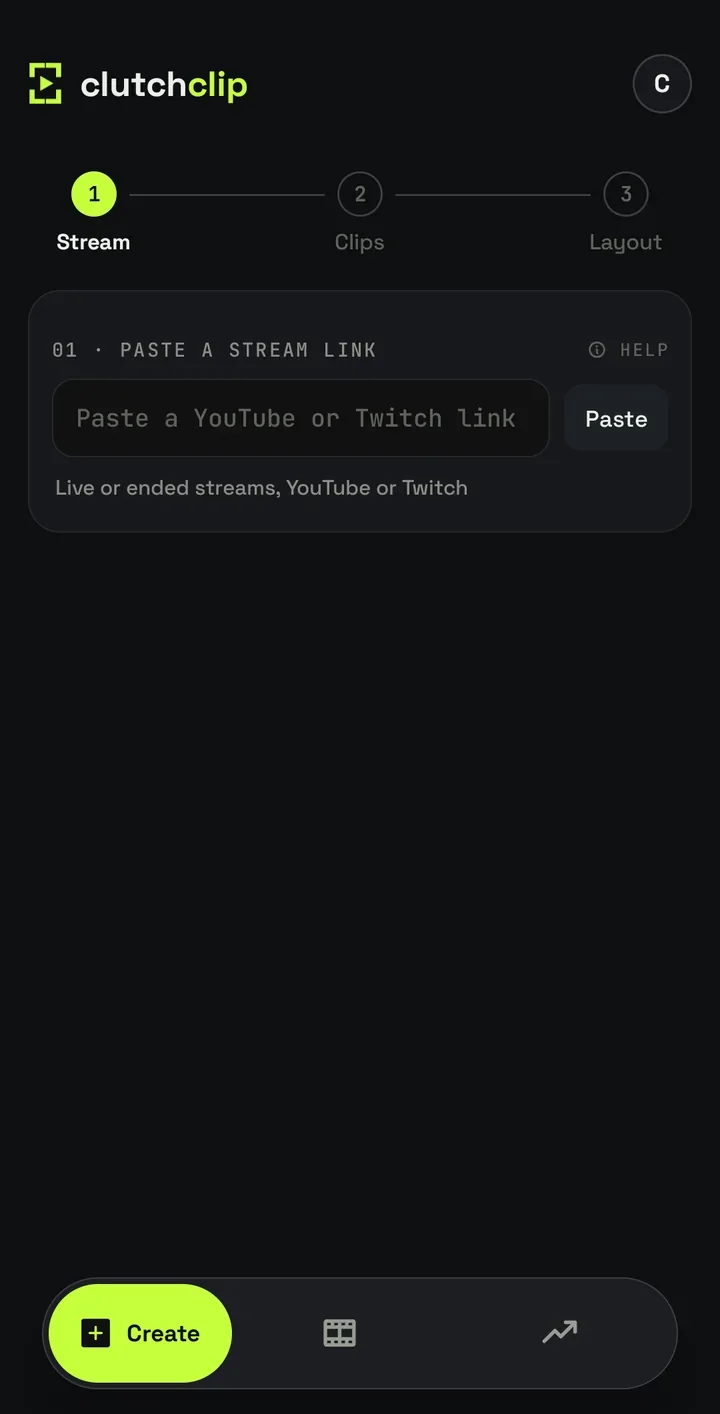
Paste a YouTube or Twitch link, pick the moment, tap Clip it. Game + facecam layout, word-by-word captions, hook text: it's all made on your phone. No laptop needed.
These are real app screens. Live stream or yesterday's VOD, the flow is the same. Full step-by-step guide →
In the YouTube or Twitch app: Share → Copy link → Paste in ClutchClip. The app tells you if the stream is live or ended.
Type when it happened (or tap "Just now" on a live stream), drag the handles on the timeline, Add clip. Grab several clips at once.
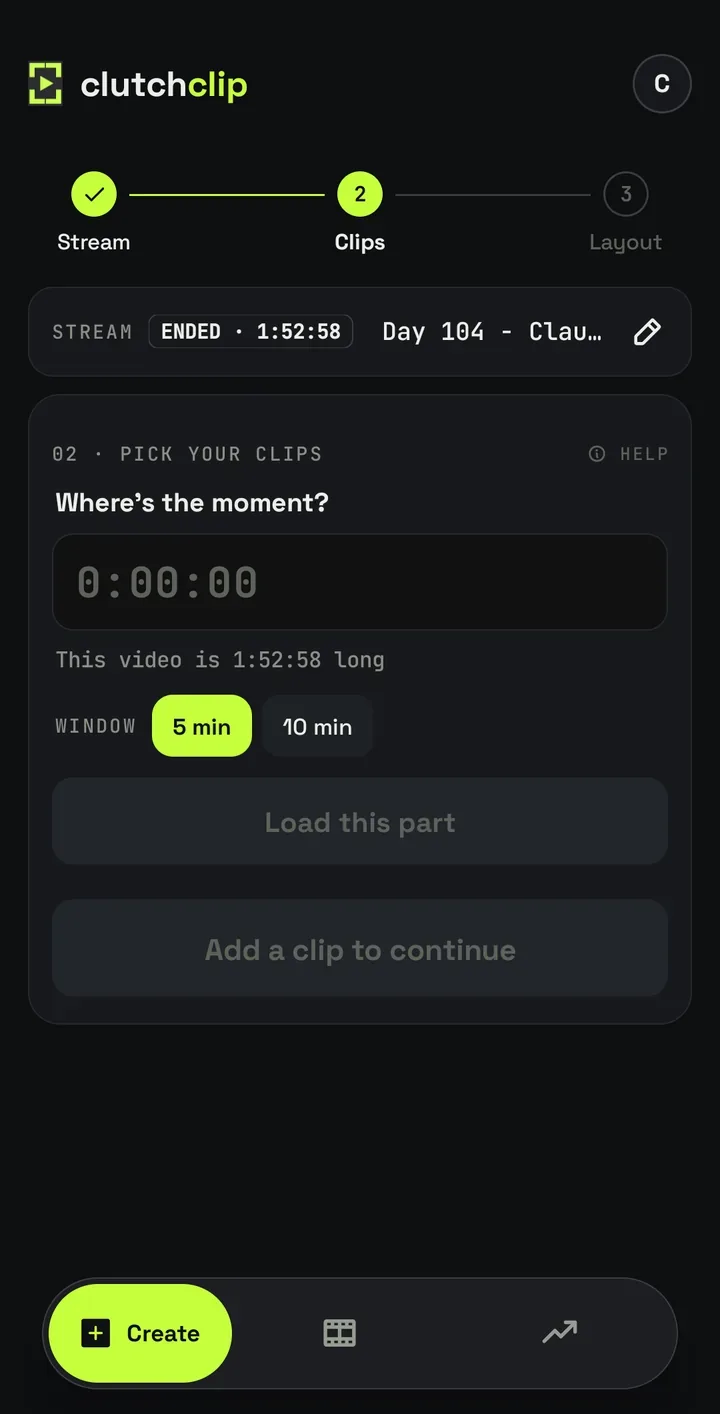
7 layouts. The app looks at a frame and places the GAME and CAM boxes for you. Turn captions on and the clip is made on your phone.
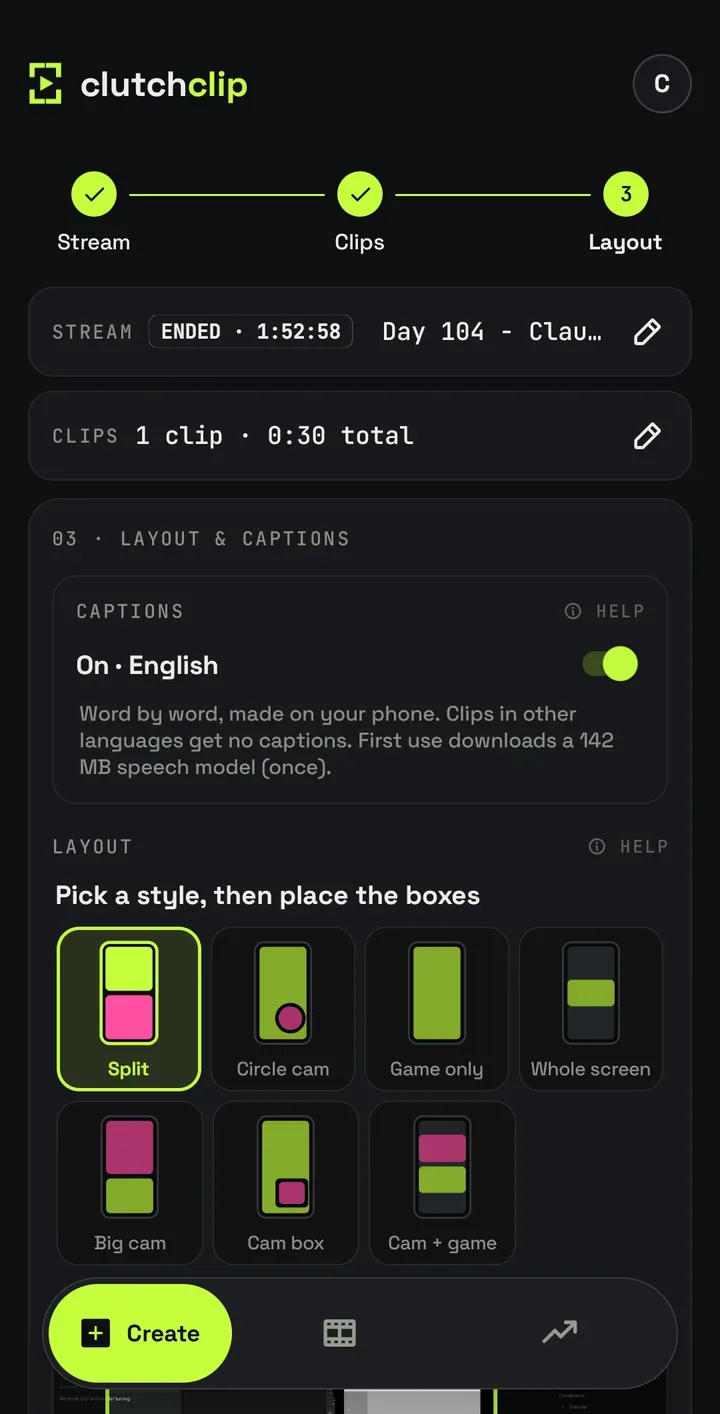
Tap around. Where the game goes, where the facecam goes, how the captions look: your call.
Game on top, facecam below. The gaming-shorts classic.
Demo drawing. In the app you see your real stream, and you can drag the boxes to adjust them.
The play chat went crazy for, the rage, the clutch: turn it into a vertical 1080×1920 short in minutes, while everyone is still talking about it. Then share it to YouTube Shorts, TikTok and Instagram Reels.

Post the moment while the stream is still live. Shorts viewers find the streamer and come back for the full VOD.

Captions and hook text are already burned in. Add a sound in TikTok and post.

Game on top, facecam below, word-by-word captions: made for the Reels feed.
Trim, captions, text, stickers, filters, music. Put your logo, a photo, a GIF or a short video on top (overlay). Then export.
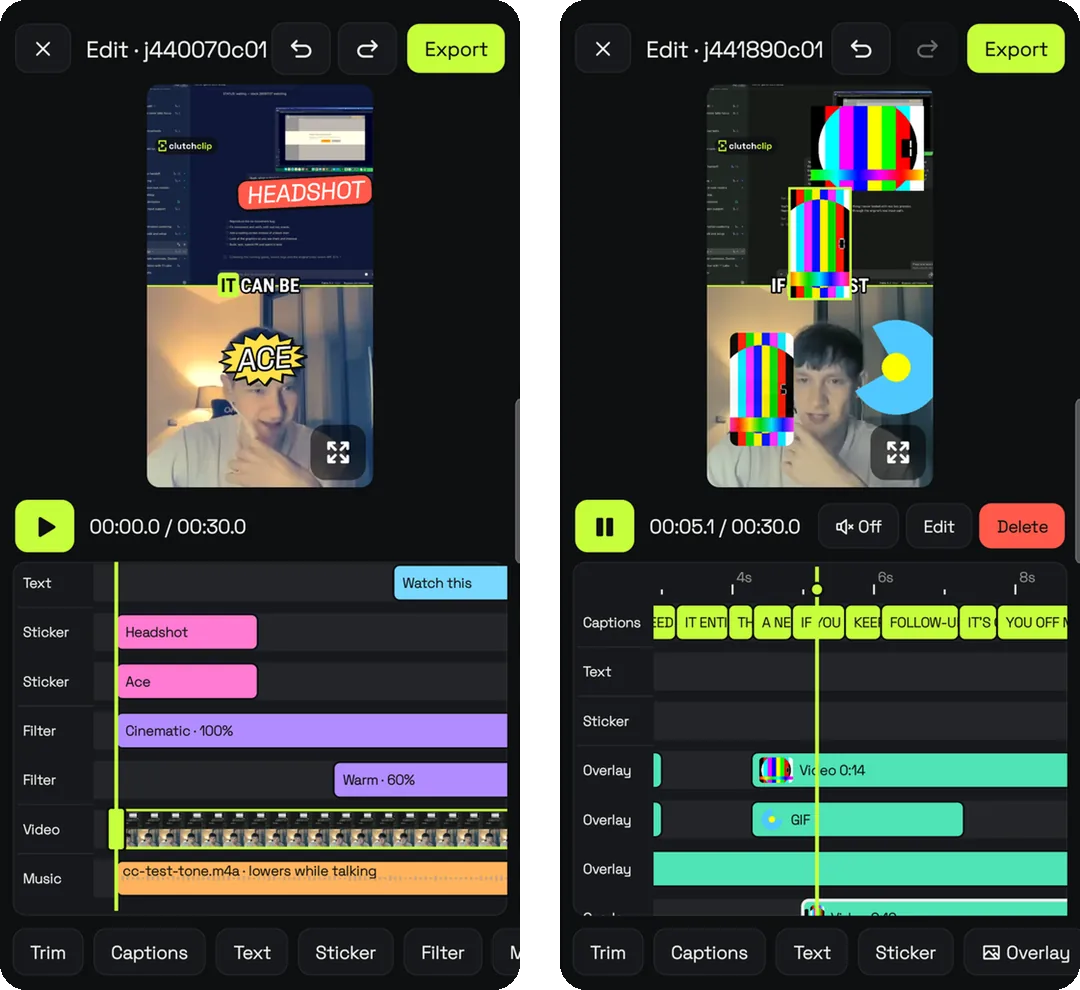
Captions for English speech are made right on your phone. Bold, Clean or Box style, with a lime highlight on each word as it's spoken.
One line that stops the scroll in the first second. Top, middle or bottom, with a live preview.
Not sure what to clip? See YouTube + Twitch streams that are live right now, filtered by game and language. One tap to Clip it.
Download, cut, captions, export: all on your phone. Your clips are never uploaded to our servers.
Clip still cooking? Close the app. You get a notification when it's ready. A 30-second clip from an ended stream takes about 40 seconds.
No subscription. Pro is a one-time unlock.
per phone
₹234.82 total with 18% GST · pay onceOutside India · pay once
Get Pro inside the app from Account → Get Pro. Pro isn't refundable, so try it with the 5 free clips first. Charged twice, or Pro didn't turn on? We always fix that: Refunds.
Seeing "App not installed"? Your phone is low on space: free up 200 MB and open the APK again. Have the old yellow Clipper app? It shows an update card inside the app: update it, no new install needed.
Yes, 5 free clips per phone. After that, Pro is a one-time unlock (₹199 + GST in India), not a subscription. Outside India it is $10.
No uploads. Fetching the stream, cutting, captions and export all happen on your phone. Your clips never go to our servers. Details: Privacy.
Yes. YouTube live, Twitch live, and ended streams / VODs. On a live stream, tap "Just now" to grab what just happened.
Android 10 or newer, about 80 MB for the app and at least 200 MB of free space (the captions speech model downloads once, the first time you use captions). An iOS version is coming soon.
Word-by-word captions work on English speech for now. Clips in other languages are made without captions, and you can write hook text in any language.
ClutchClip comes straight from our site, not the Play Store, so Android shows a warning for it like it does for any such app. ClutchClip is made by Animo Tech Pvt. Ltd. and has been downloaded 7,000+ times (including the earlier Clipper app).
Only clip and post what you have the right to use: your own streams, or with the creator's permission. Follow YouTube, Twitch and Instagram rules. See the Terms.
Yes. Pro is on your email account, one phone at a time. You can switch phones from the app once every 30 days; write to us if you need it sooner.